


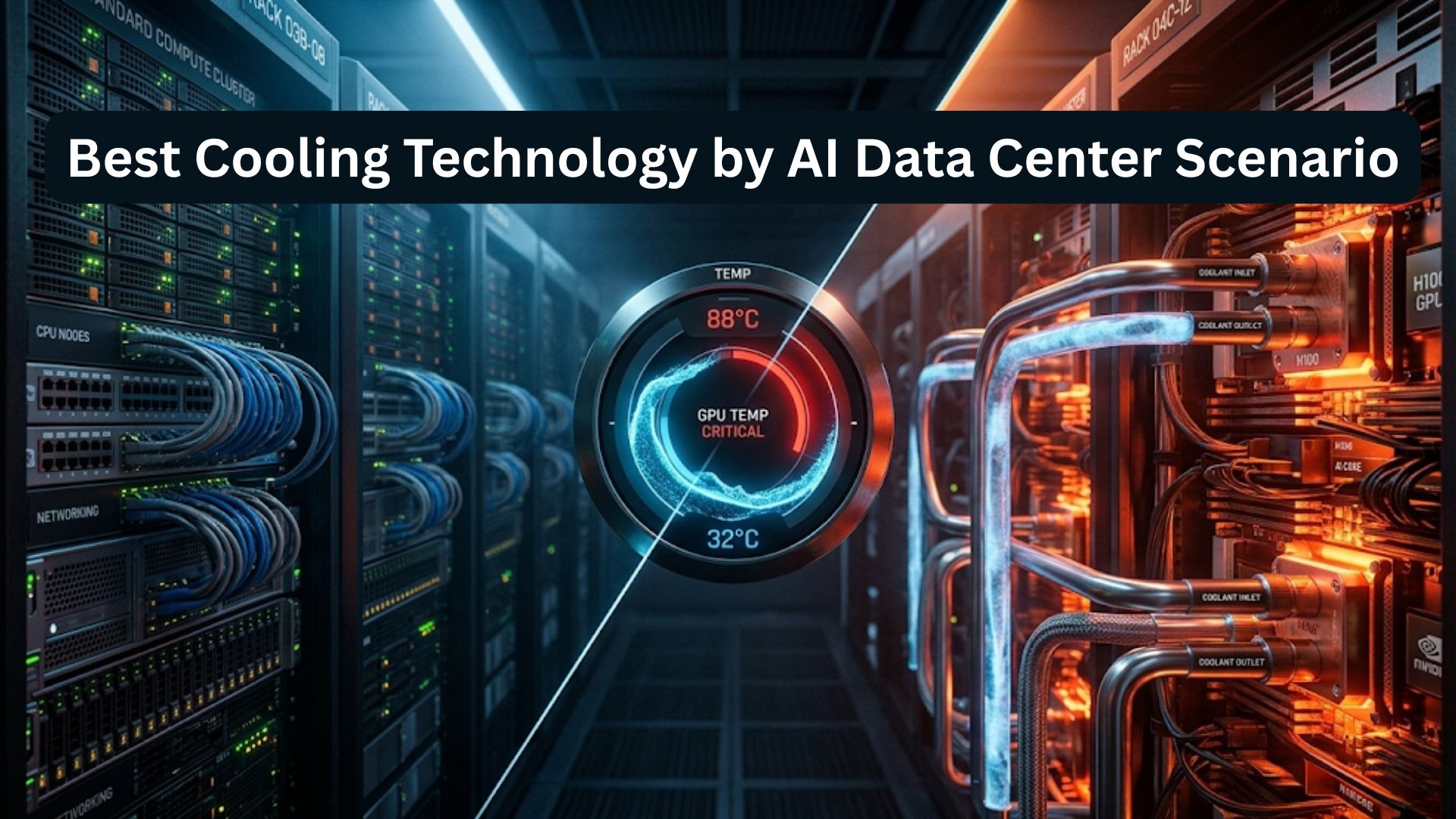
AI workloads are changing data center cooling requirements much faster than traditional enterprise IT ever did. GPU-heavy clusters pack more compute into each rack, which increases heat density, raises energy demand, and puts more pressure on uptime. In AI infrastructure, cooling is no longer just a facilities issue. It is a core design decision that affects performance, efficiency, and long-term operating cost.
Traditional air cooling still has value, but many AI environments now require rear-door heat exchangers, direct-to-chip liquid cooling, immersion cooling, or a hybrid model. The right choice depends on rack density, facility age, deployment speed, and budget.
Why Cooling Matters More in AI Data Centers
Increasing rack power density in AI environments
AI clusters generate far denser thermal loads than traditional server environments. High-performance GPUs, tightly packed nodes, and faster interconnects all push more heat into less space.
Key effects include:
- more heat per rack
- greater risk of hot spots
- tighter airflow limits
- higher cooling demand per square foot
Cooling design now needs to be considered alongside broader AI network architecture. The same environment that requires low-latency switching and dense GPU performance also needs stronger thermal control to keep those systems stable.
This also connects to wider infrastructure growth, especially as AI expansion drives heavier traffic and denser compute footprints across the facility. That makes thermal planning part of a broader bandwidth growth strategy.
Impact of cooling on performance, reliability, and operating cost
Cooling affects more than room temperature. It directly shapes hardware reliability, sustained GPU performance, and total facility overhead.
Cooling influences:
- sustained compute performance
- hardware lifespan
- fan and cooling energy use
- thermal throttling risk
- maintenance pressure
The International Energy Agency says data centers accounted for about 1.5% of global electricity demand in 2024, or roughly 415 TWh, and projects that data center electricity consumption could reach about 945 TWh by 2030 in its base case. That makes cooling efficiency increasingly important as AI infrastructure expands.
In many environments, cooling also supports a broader IT cost optimization plan because wasted power and thermal inefficiency both drive long-term cost higher.
Link between cooling strategy and total cost of ownership
Cooling strategy affects both capital and operating expense. A lower-cost design at deployment may become more expensive later if it limits rack density, raises energy use, or forces early upgrades.
The total cost impact usually includes:
- cooling equipment
- installation work
- power and water use
- maintenance labor
- future expansion cost
Uptime Institute’s 2024 survey reported an industry average PUE of 1.56, showing that many facilities still have room to improve efficiency. (
Key transition from general-purpose data centers to AI-focused facilities
General-purpose data centers were designed around lower-density, mixed workloads. AI-focused facilities are built around concentrated accelerator loads and much more demanding thermal conditions.
That transition usually means:
- higher rack density
- more pressure on airflow systems
- greater need for liquid-ready design
- closer coordination between IT and facilities
ASHRAE notes that rising rack heat loads have reached levels that air cooling can no longer handle in a growing number of high-density environments.
That is why many operators now include cooling in wider infrastructure modernization planning.
How to Evaluate the Best Cooling Technologies for AI Data Centers
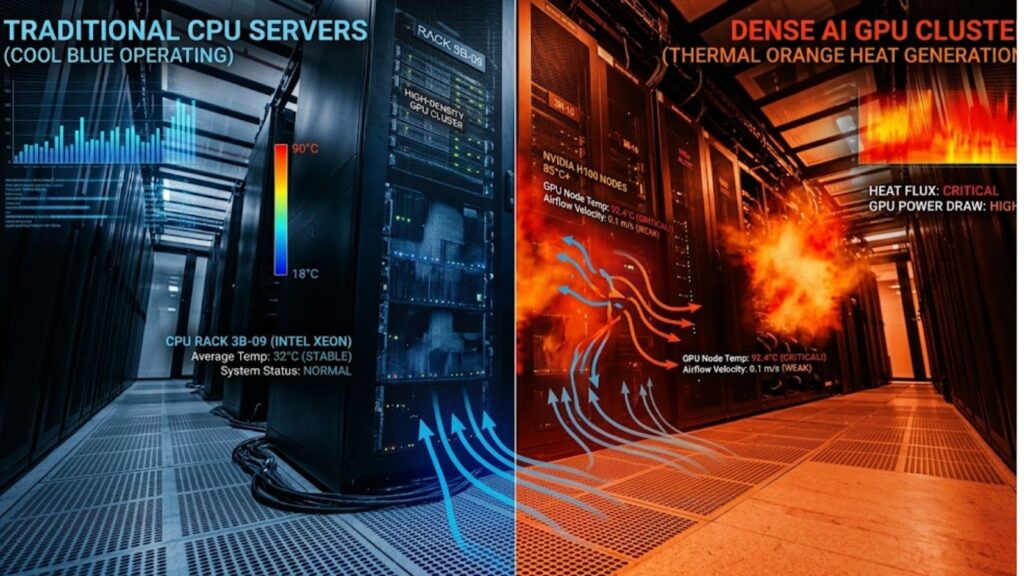
The best cooling technology is not always the most advanced one. It is the one that fits the site, the workload, and the growth plan.
A practical evaluation should focus on:
- efficiency
- scalability
- deployment complexity
- capex vs opex
- water use
- maintenance
- retrofit fit
These factors matter most in phased GPU deployment planning, where operators need cooling that supports today’s workload without limiting tomorrow’s expansion.
Evaluation criteria for AI cooling
| Factor | What to check | Why it matters |
| Efficiency | Heat removal rate | Affects power overhead |
| Scale | Future rack support | Prevents redesign later |
| Complexity | Install and service effort | Impacts deployment speed |
| Cost | Upfront vs long-term spend | Shapes TCO |
| Water | Use and reuse needs | Affects sustainability |
| Maintenance | Reliability and service | Reduces downtime risk |
| Site fit | Retrofit or new build | Improves practical adoption |
Main Cooling Technologies Used in AI Data Centers
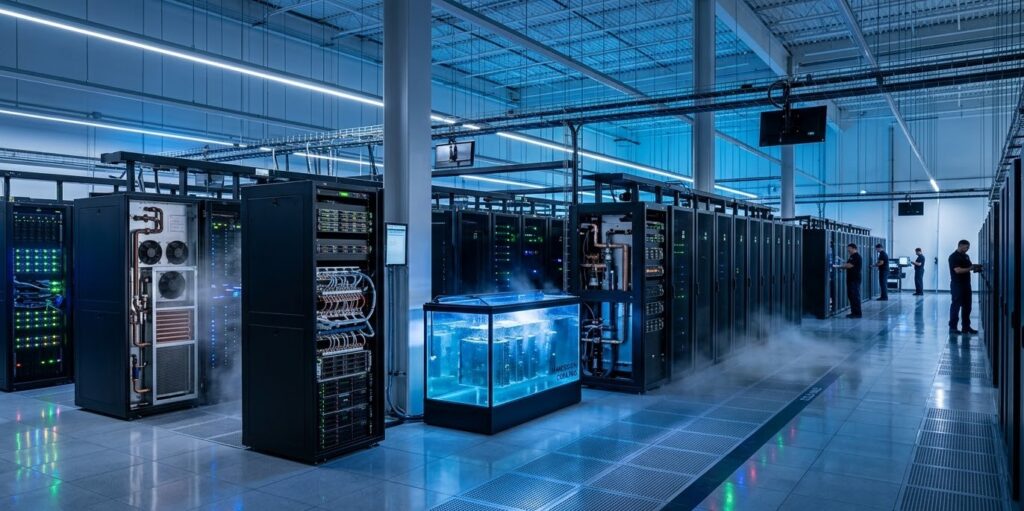
The main cooling technologies used in AI data centers are air cooling, rear-door heat exchangers, direct-to-chip liquid cooling, immersion cooling, and hybrid cooling systems. Facility-level chilled water and heat rejection infrastructure support these methods at scale.
Each method solves a different problem. Air remains useful in lower-density deployments. Rear-door systems help extend existing facilities. Direct-to-chip is becoming a leading option for dense AI clusters. Immersion supports extreme density. Hybrid models help bridge present needs and future growth.
Main cooling technologies at a glance
| Tech | Core method | Best density |
| Air | Room airflow | Low-Med |
| Rear-door | Rack exhaust cooling | Med-High |
| Direct-to-chip | Cold plates on GPUs/CPUs | High |
| Immersion | Dielectric fluid | Very high |
| Hybrid | Air plus liquid | Med-Very high |
Air Cooling for AI Data Centers

How traditional air cooling works
Traditional air cooling uses server fans, room airflow, containment, and CRAC or CRAH systems to move heat away from IT racks. It remains the most familiar cooling approach in enterprise environments.
Where air cooling still performs well
Air cooling still works well in lower-density AI deployments, mixed enterprise rooms, and inference-heavy workloads where rack power remains moderate.
Limitations for high-density AI racks
Its main limitation is thermal capacity. Once rack density rises sharply, air becomes less effective and more expensive to use efficiently. High airflow demand increases fan energy and makes hot-spot control harder.
Best-fit use cases
Air cooling is best for smaller enterprise AI environments, mixed-use server rooms, and facilities that are still early in AI adoption.
Rear-Door Heat Exchangers as a Transitional Solution
How rear-door cooling works
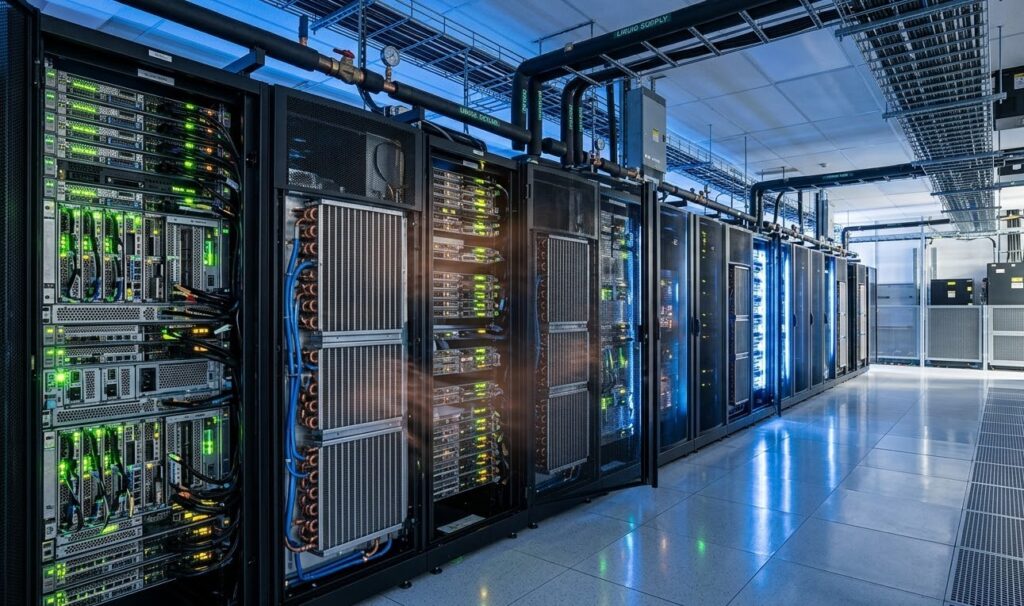
Rear-door heat exchangers place a water-cooled unit on the back of the rack. As hot exhaust air leaves the cabinet, much of the heat is removed before it enters the room.
Benefits for retrofitting existing facilities
This makes rear-door cooling attractive for retrofits. It improves thermal performance without requiring a full liquid-cooled server design and can extend the useful life of an existing hall.
Operational and design limitations
Rear-door systems still depend partly on airflow, add rack weight, and may create service constraints behind the cabinet. They are helpful transitional tools, but not always the best fit for the highest AI densities.
Best-fit use cases
They are usually a strong fit for colocation halls, brownfield upgrades, and legacy facilities that need more rack capacity without a full redesign.
Air vs rear-door cooling
| Tech | Strength | Limitation | Best fit |
| Air | Simple and familiar | Weak at high density | Small AI rooms |
| Rear-door | Strong retrofit path | Added rack weight | Legacy facilities |
Direct-to-Chip Liquid Cooling
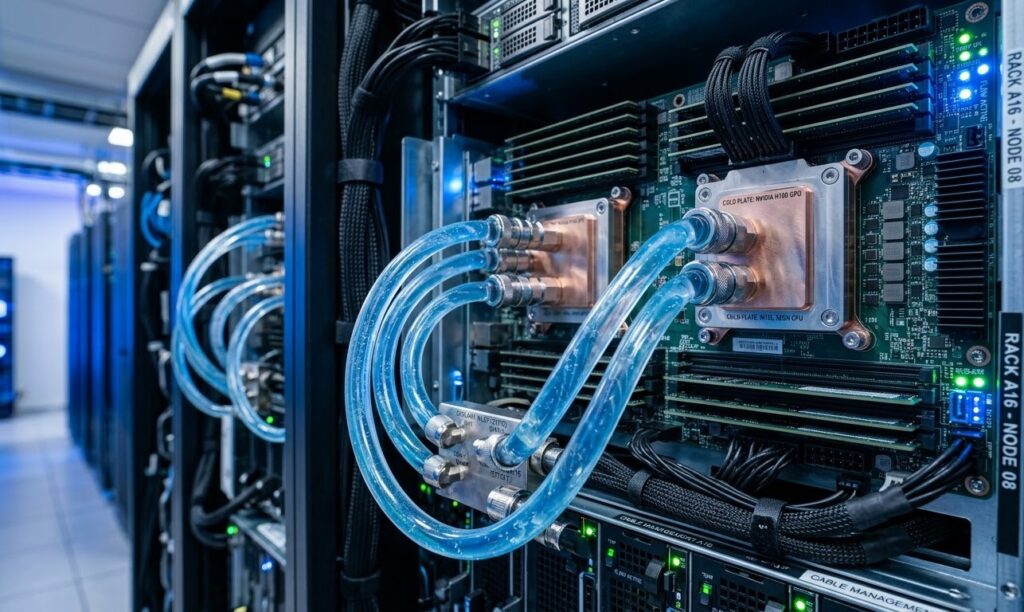
How direct-to-chip cooling works
Direct-to-chip cooling uses cold plates mounted on hot components such as GPUs and CPUs. Liquid carries heat away from those parts, then transfers it through a secondary loop or heat exchanger.
Why it is becoming a leading option for AI infrastructure
Direct liquid cooling is moving into the mainstream. Uptime Institute’s 2024 Cooling Systems Survey found that 22% of respondents were already using direct liquid cooling, while 61% of non-users said they would consider it in the future. (
This is also why direct-to-chip design is increasingly tied to integrated facility solution planning, where power, cooling, and rack layout need to evolve together.
Performance and energy-efficiency advantages
Direct-to-chip cooling removes heat closer to the source than air cooling. That supports higher rack density, lowers server fan dependence, and helps maintain more stable GPU operating conditions.
Integration, plumbing, and maintenance considerations
The tradeoff is complexity. Operators need liquid distribution, manifolds, CDUs, leak detection, monitoring, and service processes that are stronger than those used in air-cooled rooms.
Best-fit use cases
Direct-to-chip cooling is often the best fit for dense GPU clusters, enterprise AI growth, hyperscale AI deployments, and greenfield environments built with long-term density in mind.
Why direct-to-chip is growing
| Area | Impact |
| GPU cooling | Better heat removal at source |
| Density | Supports higher rack loads |
| Efficiency | Reduces fan dependence |
| Operations | Requires stronger liquid management |
Immersion Cooling for Extreme AI Density
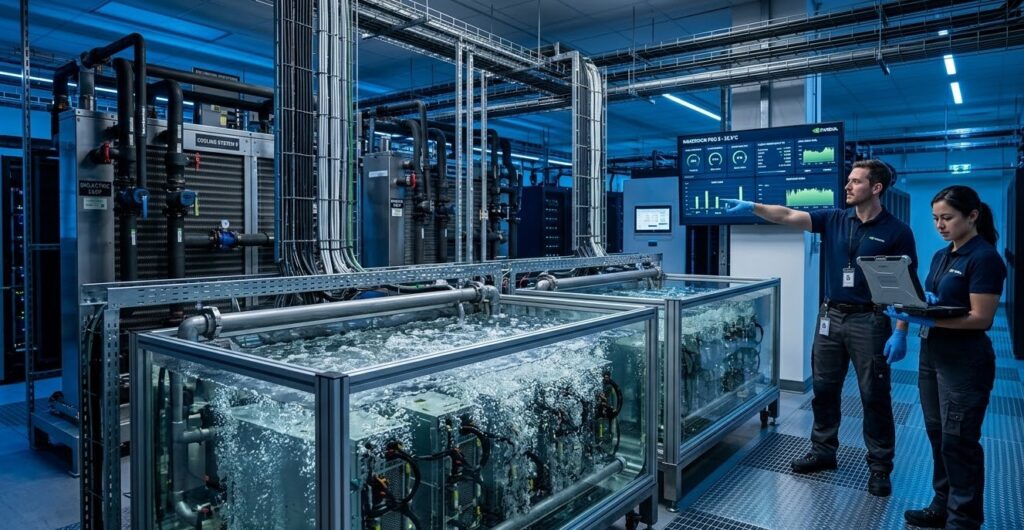
Single-phase immersion cooling
Single-phase immersion submerges IT hardware in dielectric fluid that absorbs heat without boiling. The warmed fluid then moves through a heat exchanger.
Two-phase immersion cooling
Two-phase immersion uses a dielectric fluid that boils at a low temperature. The vapor rises, condenses, and cycles back through the system.
Efficiency and density advantages
Immersion cooling can support extreme AI density with minimal reliance on air movement. It may also reduce fan use significantly and enable compact layouts for specialized workloads.
Deployment, serviceability, and ecosystem challenges
Its main barriers are ecosystem maturity and operations. Hardware compatibility, technician workflow, service procedures, and supplier support are all more specialized than in conventional air-cooled environments.
Best-fit use cases
Immersion cooling fits best in specialized AI or HPC environments where maximum density is a top priority and the facility is designed around that model from the start.
Hybrid Cooling Approaches
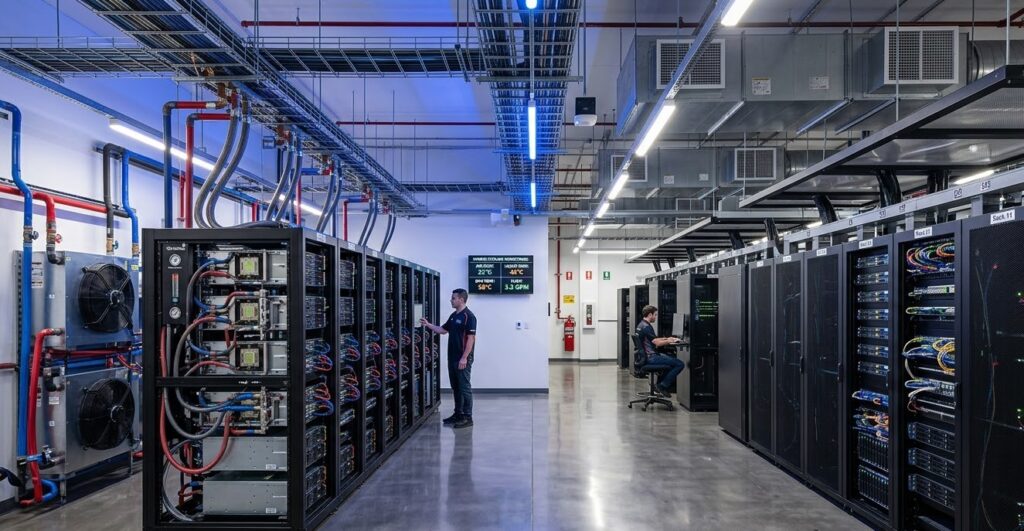
Combining air and liquid cooling in the same data center
Hybrid cooling combines air and liquid technologies in one facility. Standard enterprise or lower-density racks may stay on air, while AI rows use rear-door or direct-to-chip cooling.
In that context, Catalyst Data Solutions Inc. is a relevant example of a company that helps design right-sized hybrid infrastructure and modular AI-grade data center environments.
Why hybrid models are gaining traction
Hybrid designs are gaining traction because they preserve flexibility. They let operators protect existing investments, add AI capacity gradually, and avoid overbuilding cooling infrastructure too early.
Balancing cost, flexibility, and future scalability
For many organizations, hybrid cooling offers the best balance between near-term cost and long-term scale. It can support both conventional workloads and denser AI growth within the same campus.
Best-fit use cases
Hybrid cooling works especially well in enterprise campuses, colocation facilities, retrofitted halls, and phased AI expansion projects.
Best Cooling Technology by AI Data Center Scenario
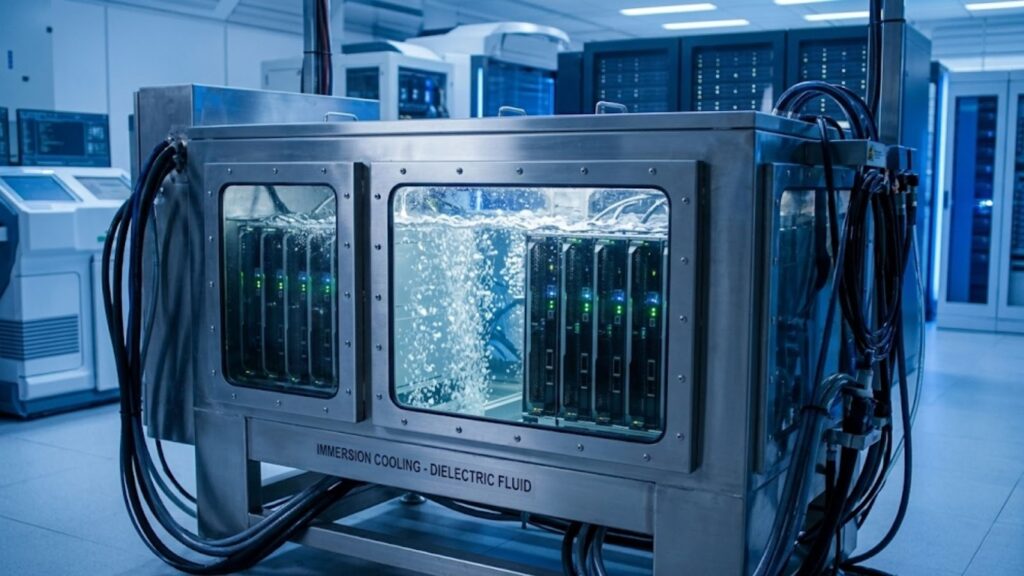
The best cooling method depends on the type of data center, the rack density, and how fast AI workloads are growing. A system that works well in one environment may not be the best fit in another.
Enterprise AI deployments
Enterprise AI environments often need flexibility more than extreme density. Many of these sites support a mix of traditional applications and newer GPU workloads.
In this case, hybrid cooling or direct-to-chip liquid cooling is often the best choice. Hybrid cooling helps organizations add AI capacity without changing the whole room at once. Direct-to-chip works well if GPU density is rising quickly.
Colocation facilities
Colocation data centers serve different customers with different rack requirements. Some tenants may need standard cooling, while others may need high-density AI support.
Because of that, rear-door heat exchangers and hybrid cooling are often the most practical options. They allow the facility to support denser AI racks while keeping the site flexible for mixed customer needs.
Hyperscale AI data centers
Hyperscale AI data centers run very large GPU clusters and handle high, continuous workloads. These environments need cooling that can support dense racks and stable performance at scale.
For this reason, direct-to-chip liquid cooling is often the leading choice. It removes heat close to the source and supports better efficiency in large AI deployments.
Greenfield AI campuses
Greenfield AI campuses are built from the ground up. That gives operators more freedom to choose advanced cooling systems without being limited by older building designs.
In these facilities, direct-to-chip liquid cooling is often a strong option, and immersion cooling may also work for very high-density deployments. The best choice depends on how dense the AI environment will be and how specialized the operation is.
FAQs
1. What is the best cooling technology for AI data centers?
This is the strongest core query because it matches broad search intent and lets you compare air, rear-door, direct-to-chip, immersion, and hybrid cooling in one answer.
2. Why is cooling more important in AI data centers than in traditional data centers?
This targets readers who are trying to understand why AI workloads change thermal requirements, especially as rack density and power demand rise. The shift toward higher-density AI racks is one reason operators are moving beyond traditional air cooling.
3. Is air cooling still viable for AI workloads?
This is a high-value information because many buyers want to know whether they can delay liquid cooling and keep using existing infrastructure.
4. When do AI data centers need liquid cooling?
This speaks directly to a common decision point: when air cooling stops being enough and when liquid-ready design becomes necessary for performance, density, and uptime.
5. What is the difference between direct-to-chip cooling and immersion cooling?
This is one of the most important comparison query because it captures users who are already evaluating advanced cooling options and want a clear side-by-side explanation.