


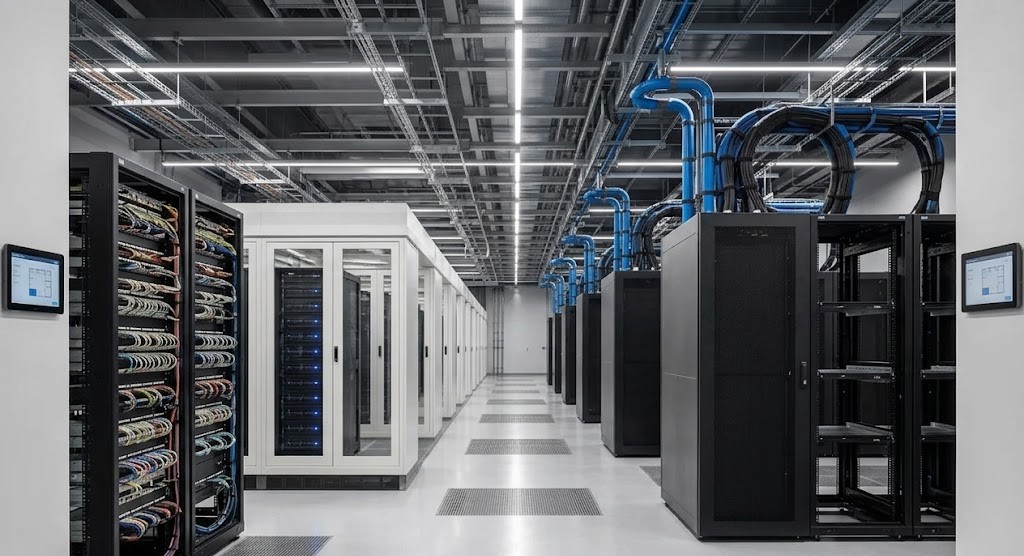
Your existing data center may support AI without a full replacement, but each layer must be tested against the actual workload. The key question is not the age of the environment. It is whether the servers, storage, network, power, cooling, security, and operations can meet the workload’s performance and reliability needs.
Some systems may stay in production. Others may move to preprocessing, backup, lab, edge, or management roles. The best plan replaces real bottlenecks rather than every asset. It also provides a clear path from a small inference pilot to larger training or multi-node GPU infrastructure.
At Catalyst Data Solutions, we assess the workload first, then map it to the infrastructure.This shows what can remain, what needs tuning, and what should be upgraded before GPU hardware arrives.
Start with the AI workload, not the desired hardware
“AI” can describe very different jobs. A document-search assistant, computer-vision system, real-time recommendation engine, model fine-tuning project, and large-scale training cluster do not place the same demands on a data center.
Before selecting GPUs, define:
- The model type and size
- Training, fine-tuning, inference, or mixed use
- Expected users, requests, or jobs
- Response-time and uptime targets
- Dataset size, location, and growth rate
- Security and retention rules
- Peak demand and expected growth
This profile becomes the design input for AI-ready data center infrastructure and helps prevent teams from buying compute before the data path and facility are ready.
| Workload | Main need | Likely pressure points | Good first step |
| Small or medium inference | Low response time and stable service | GPU memory, CPU balance, local storage, availability | Benchmark one validated server |
| Retrieval-augmented generation | Fast access to models and indexed data | Storage latency, network, vector database, memory | Test the complete query path |
| Fine-tuning | Sustained GPU and data throughput | GPU memory, checkpoint storage, cooling | Run a limited job with real data |
| Distributed training | Fast GPU-to-GPU communication at scale | East-west fabric, storage throughput, power density | Validate a small multi-node cluster |
GPU infrastructure works as a system. NVIDIA’s enterprise reference architectures balance compute, storage, networking, software, and facility design.
Build a reuse score for every major system
Keep a server or storage array only when it can support a defined role across performance, compatibility, security, support, energy use, and remaining life.
At Catalyst Data Solutions, we use a reuse review to separate viable assets from hidden risk. We document the role each system can support, the conditions for reuse, and the point at which replacement becomes the safer or more economical choice.
This follows the practical approach behind our data center modernization and deployment services: assess, design, source, deploy, validate, and manage the lifecycle around the workload.
| Existing system | Reuse when | Upgrade or replace when | Possible new role |
| General-purpose servers | CPU, memory, PCIe, firmware, and OS remain supported | GPU compatibility, power, airflow, or support blocks the workload | Preprocessing, orchestration, development |
| Storage | It meets measured throughput, latency, capacity, and recovery needs | GPUs wait for data or checkpoints disrupt active work | Archive, backup, lower-cost data tier |
| Network | It has enough bandwidth, low congestion, and clear expansion paths | Oversubscription, loss, latency, or weak telemetry reduces utilization | Management or north-south network |
| Racks and power path | Rack draw, PDU, UPS, redundancy, and cabling are within limits | New systems exceed safe capacity or fault tolerance | Lower-density equipment zone |
| Cooling | Inlet conditions and heat removal remain stable under load | Hot spots, throttling, or density exceed the cooling design | Air-cooled mixed-use zone |
Reuse is not always cheaper. Support cost, energy use, licensing, warranty limits, and failure risk can make replacement the better choice. Critical workloads should not depend on unsupported or insecure equipment.
Which data center systems should you upgrade first?
Upgrade the first layer that limits the target workload not the component receiving the most marketing attention.
A practical order is:
- Data and workload readiness. Confirm that the data is available, governed, clean enough, and placed where the AI system can use it.
- Facility capacity. Verify utility capacity, UPS systems, PDUs, branch circuits, rack load, airflow, heat rejection, floor space, and cable paths.
- Server compatibility. Check CPU-to-GPU balance, PCIe generation and lane layout, system memory, local NVMe, NIC placement, firmware, operating system, and support.
- Network fabric. Measure east-west traffic, oversubscription, latency, loss, congestion, and storage connectivity.
- Storage pipeline. Measure sustained reads, writes, metadata work, checkpoint bursts, data protection, and recovery.
- Software and operations. Validate drivers, containers, orchestration, scheduling, identity, monitoring, patching, and support ownership.
When we are planning GPU deployment for AI workloads, we treat compute, network, storage, software, power, and cooling as connected design decisions. A faster GPU cannot correct a slow input pipeline or unstable power path.
Is your storage fast enough for AI?
Storage is fast enough when it feeds the workload without making GPUs or application services wait. Capacity alone does not answer the question.
Review at least four measures:
- Throughput: How much data can move each second during sustained work?
- Latency: How quickly can the system respond to small or random requests?
- IOPS: How many input/output operations can it complete?
- Concurrency: Can it maintain performance when many workers read, write, or checkpoint at once?
Test with real data sizes, formats, and access patterns. Measure the full path from the storage media through the network and host interface to the application.
A tiered design often works better than placing everything on premium storage. Fast local NVMe or shared flash may serve active datasets, models, and checkpoints. Capacity storage may hold source data and completed results. Object or backup platforms may protect longer-term copies.
Our guide to preparing enterprise storage for AI explains why IOPS, latency, throughput, protection, scale, and total cost must be evaluated together. NVIDIA’s architecture guidance also treats storage as a core data-supply layer for training, tuning, and inference.
Does AI require a different network?
A single inference server may fit an existing network, while multi-node training and shared GPU pools can expose limits much faster.
Distributed AI adds heavy east-west traffic between compute nodes. Synchronized communication can create bursts, hot links, queue pressure, and tail latency, so test real traffic patterns rather than average link use alone.
Review:
- Link speed and oversubscription
- East-west latency and packet loss
- NIC and switch buffer behavior
- Congestion control and traffic classes
- Storage-network bandwidth
- Redundancy and failure recovery
- Telemetry at the switch, link, host, and job level
Our analysis of network bottlenecks that reduce GPU utilization explains why synchronized traffic, microbursts, and slow paths can delay an entire distributed job.
NVIDIA also separates tenant access, secure management, cluster interconnect, and scale-up communication in its data center designs.
Do AI servers require special power and cooling?
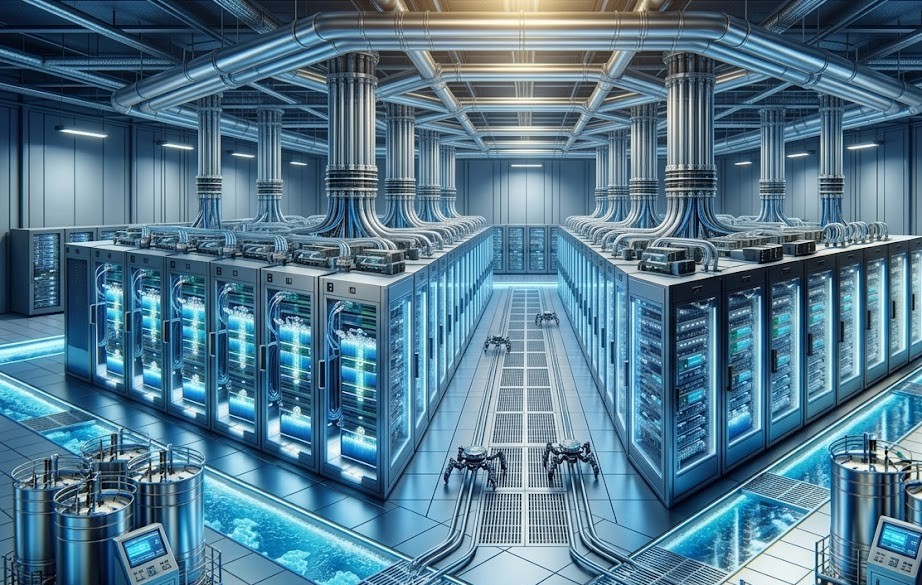
They often require more careful power and cooling design than traditional servers. The exact change depends on server type, GPU count, rack density, redundancy target, and the cooling method supported by the equipment.
Do not estimate readiness from room-level capacity alone. Trace the full power path through utility or generator supply, UPS systems, panels, branch circuits, rack PDUs, connectors, redundancy, and peak draw. Confirm that it remains safe during maintenance or a component failure.
Test cooling at the rack and server inlet, not only at the room thermostat. Review airflow, containment, temperatures, hot spots, and heat-rejection capacity.
Air cooling may remain practical for modest-density inference or smaller GPU deployments. Rear-door heat exchangers, direct-to-chip liquid cooling, or hybrid designs may become useful as density rises.
ASHRAE maintains dedicated guidance for data center thermal conditions, water-cooled servers, liquid-cooling growth, and cold-plate resiliency.
A phased facility plan can preserve existing air-cooled areas while creating a higher-density AI zone. Our guide to cooling strategies for high-density AI infrastructure compares air, rear-door, direct-to-chip, immersion, and hybrid approaches for retrofit and growth scenarios.
Can your current servers support AI inference?
Possibly. Some inference models can run on one validated server, while larger models or higher request rates may need more GPUs, faster networking, or a shared serving platform.
Check these factors before reuse:
- Does the model fit in available accelerator memory at the required precision?
- Can the CPU supply preprocessing and application work without becoming a bottleneck?
- Does the chassis support the GPU’s size, power, airflow, and thermal limits?
- Is the PCIe topology balanced across CPUs, GPUs, NICs, and NVMe devices?
- Are the BIOS, firmware, driver, operating system, and framework versions supported together?
- Can the server meet response-time, throughput, uptime, and security targets?
- Is there enough monitoring to track GPU use, memory, temperature, power, errors, and request latency?
NVIDIA’s current compute-node guidance shows that production AI server design depends on balanced CPU, GPU, memory, PCIe, NIC, NVMe, security, and management components.
Test the actual model and request pattern because a server that loads a model may still miss the required service level.
Metrics to review before adding AI workloads
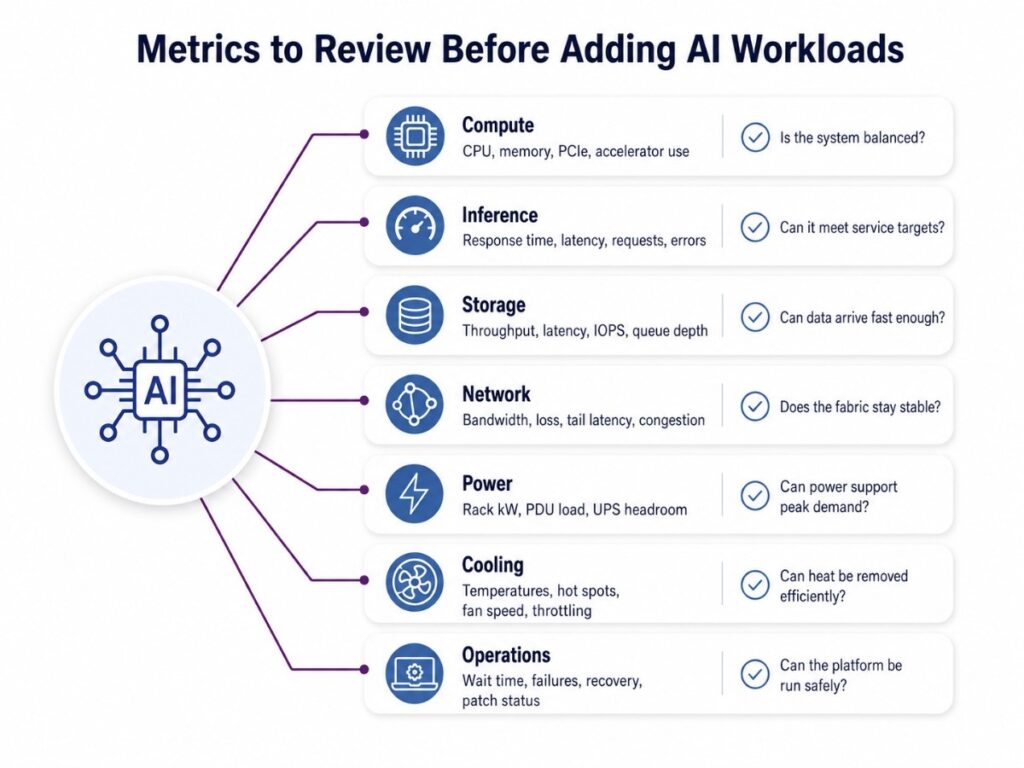
AI readiness cannot be judged by hardware specifications alone. Before adding GPU servers or moving a pilot into production, teams need a clear baseline for how the current environment performs under real demand. Reviewing these metrics helps reveal where compute, storage, networking, power, cooling, or operations may slow the workload, create risk, or require an upgrade.
The goal is not to collect every available metric. Focus on the measurements that show whether the full data path can support the workload reliably at expected peak use.
| Area | Baseline metrics | AI validation question |
| Compute | CPU use, memory use, PCIe errors, accelerator utilization | Is the system balanced, or is one resource waiting on another? |
| Inference | Time to first response, total latency, requests per second, error rate | Can it meet the service target at expected concurrency? |
| Storage | Throughput, latency, IOPS, queue depth, checkpoint time | Can data arrive fast enough during peak demand? |
| Network | Bandwidth, loss, tail latency, retransmits, congestion events | Does the fabric remain stable under synchronized traffic? |
| Power | Rack kW, PDU load, UPS headroom, peak draw | Can the full power path support normal and failure conditions? |
| Cooling | Inlet temperature, return temperature, hot spots, fan speed, throttling | Can the room remove heat without reducing performance? |
| Operations | Job wait time, failure rate, recovery time, patch status | Can the team operate the platform safely and consistently? |
Collect averages, peaks, and tail behavior because brief storage, network, or thermal events can slow the workload.
Modernize the data center in phases
A phased plan lowers risk and gives each investment a measurable reason.
| Phase | Main work | Exit criteria |
| 1. Discover | Profile workloads, inventory assets, and baseline facility and performance data | Approved requirements and reuse matrix |
| 2. Pilot | Deploy one validated node or small cluster with real data | Performance, security, and operations targets met |
| 3. Remove bottlenecks | Upgrade only constrained storage, network, power, cooling, or software layers | Stable end-to-end workload under peak testing |
| 4. Production | Add redundancy, monitoring, support, governance, and recovery | Production acceptance and clear ownership |
| 5. Scale or place elsewhere | Expand on premises, use colocation, or add cloud capacity | Growth path fits cost, risk, and facility limits |
| 6. Retire and recover | Redeploy, resell, sanitize, recycle, or remove displaced assets | Documented disposition and updated lifecycle plan |
A hybrid model can place each workload where it fits best. Steady inference may remain on premises, while experiments or burst demand may use cloud or colocation.
The right hybrid cloud infrastructure design and workload placement should follow data location, latency, cost, security, and operating constraints rather than a cloud-first or on-prem-only rule.
A Practical Phased Architecture for AI Modernization
Consider a hypothetical organization with a virtualized data center, supported all-flash storage, 25 GbE networking, available rack space, and limited cooling headroom. The goal is to deploy a document assistant and computer-vision inference service without replacing the full environment.
A practical phased architecture could include:
- Reuse the current virtual environment for identity, application services, monitoring, orchestration, and management.
- Deploy one validated GPU server for the first inference workloads and test it with real data, users, and response-time targets.
- Keep the existing storage platform if testing confirms that it can support model loading, indexed data, and expected request volumes.
- Use the current network for the pilot when bandwidth, latency, redundancy, and congestion remain within approved limits.
- Create a dedicated AI rack zone with verified power capacity, airflow, cooling, and room for controlled expansion.
- Upgrade only the constrained layers as demand grows, which may include faster storage, higher-speed networking, additional GPU servers, or improved cooling.
At Catalyst Data Solutions, we use this phased approach to separate immediate needs from future capacity. It allows teams to validate performance and operating requirements before making larger infrastructure investments. The final design must still reflect measured workload behavior, security needs, support terms, facility limits, and lifecycle cost.
How We Prepare an Existing Data Center for AI
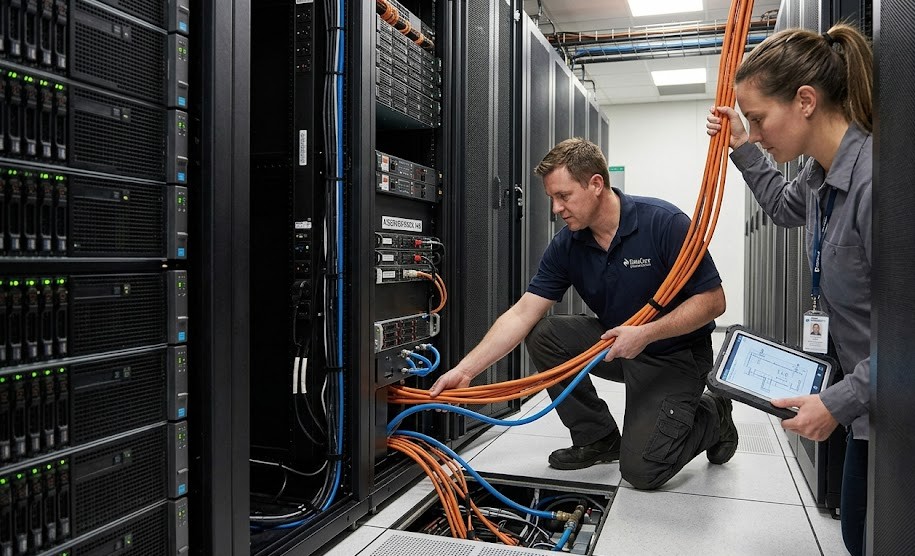
At Catalyst Data Solutions, we begin by defining the AI workload and measuring the current environment. We review compute, storage, networking, power, cooling, security, software compatibility, support status, and remaining asset life.
We then create a reuse and upgrade plan. This identifies which systems can remain in production, which can move to backup, lab, preprocessing, or management roles, and which bottlenecks must be upgraded before GPU deployment.
Finally, we build a phased roadmap for deployment, testing, monitoring, support, and growth. Organizations can request an AI data center readiness assessment to define priorities, ownership, acceptance criteria, and the safest path from pilot to production.